


Description
Product Overview
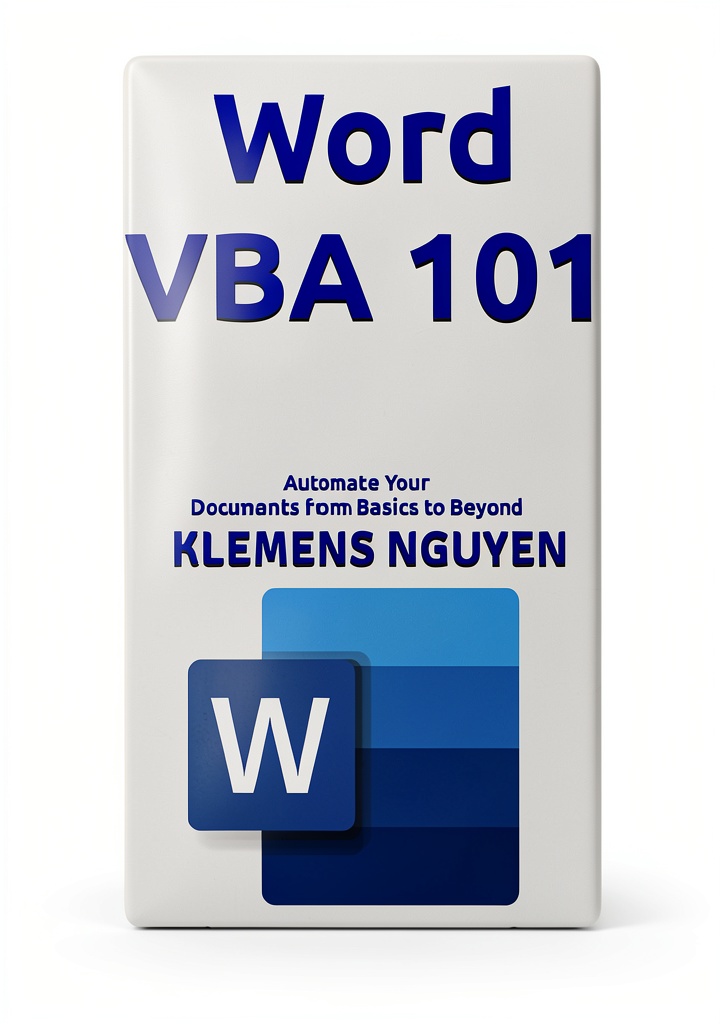
The VBA & Macros Guide from TechPress is a comprehensive digital textbook that introduces readers to the fundamentals of Visual Basic for Applications and the practical use of macros across the Microsoft Office suite. Spanning 83 pages, the eBook balances concise theory with hands‑on exercises, allowing learners to progress from basic script creation to sophisticated automation workflows. Each chapter is structured to build on the previous material, ensuring a logical learning path that minimizes confusion and maximizes retention.
Content coverage includes an introduction to the VBA development environment, detailed explanations of object models for Excel, Word, and PowerPoint, and a series of real‑world projects that demonstrate how to streamline repetitive tasks, generate dynamic reports, and integrate data sources. The guide also provides a dedicated section on error handling, debugging techniques, and best practices for writing clean, maintainable code. Readers will find step‑by‑step walkthroughs for creating custom functions, building user‑defined forms, and deploying macros in shared workbooks.
Enhanced typesetting ensures that the text is easy to read on a variety of devices, while the built‑in page‑flip feature mimics the experience of turning pages in a physical book. The file size of 633 KB makes the eBook quick to download, and full screen‑reader support guarantees accessibility for visually impaired users. Although X‑Ray and Word Wise features are not enabled, the eBook’s clear layout and searchable index compensate by allowing readers to locate topics instantly.
Authored by a seasoned VBA consultant with over a decade of experience automating business processes, the guide reflects current industry standards and incorporates feedback from thousands of users. Published on March 19 2025, the title quickly rose to #560,038 in the Kindle Store and secured a top‑100 position in the Editing Writing Reference category, underscoring its relevance and popularity among both novices and seasoned developers.
Compatibility extends to all Kindle‑enabled devices and the Kindle app for iOS, Android, and desktop platforms. The eBook’s lightweight format ensures smooth performance even on older hardware, and the inclusion of a printable PDF appendix allows readers to annotate offline or reference the material in environments where digital devices are not permitted. Whether you are a student seeking to supplement coursework, a professional aiming to increase efficiency, or an enthusiast exploring new skills, this guide provides the tools and confidence needed to master VBA macros.
Usage
In a corporate setting, the guide serves as a training resource for teams looking to automate reporting, data entry, and document generation tasks. Managers can assign specific chapters as pre‑work for workshops, enabling participants to arrive with a solid foundation and focus on collaborative problem‑solving during live sessions. The eBook’s practical examples can be directly applied to real projects, reducing the learning curve and accelerating ROI on automation initiatives.
For academic environments, instructors can integrate the guide into curricula for computer science, information systems, or business analytics courses. The clear explanations and step‑by‑step labs align with semester‑long project timelines, allowing students to develop functional macros that support research, data analysis, and presentation preparation. The eBook’s searchable format makes it an ideal reference for students working independently on assignments or capstone projects.
Individual hobbyists and freelancers will appreciate the guide’s flexibility for personal productivity. By following the tutorials, users can create custom macros to manage personal finance spreadsheets, generate automated email newsletters, or streamline repetitive design tasks in PowerPoint. The eBook’s portable nature means it can be consulted on the go, whether you are working from a coffee shop, a co‑working space, or a home office.
Why Choose Us
TechPress distinguishes itself through a commitment to educational quality, rigorous editorial standards, and ongoing author support. Every chapter undergoes multiple rounds of peer review to ensure technical accuracy, clarity, and relevance to current software versions. The guide’s content is regularly updated to reflect changes in the Microsoft Office ecosystem, guaranteeing that readers receive up‑to‑date information without the need for separate errata releases.
Our customer‑centric approach extends beyond the eBook itself. Purchasers gain access to an exclusive online forum where they can ask questions, share macro snippets, and receive feedback from the author and a community of peers. This after‑sales service fosters continuous learning and helps users overcome obstacles that may arise as they apply concepts to unique workflows.
Quality assurance is reinforced by a thorough testing process. All code examples are executed on multiple versions of Excel, Word, and PowerPoint to confirm compatibility and performance. The eBook also includes downloadable sample files, allowing readers to experiment with fully functional macros in a safe sandbox environment before deploying them in production settings.
Key Features
- Clear, step‑by‑step tutorials that guide you from basic script creation to advanced automation, ensuring practical skill development.
- Real‑world project examples that can be adapted to your own business processes, saving time and increasing efficiency.
- Accessible design with screen‑reader support and enhanced typesetting, making the content usable on any device and for all users.
- Compact 633 KB file size and fast download, allowing quick access on both modern and older Kindle‑compatible hardware.
- Dedicated author and community support forum for post‑purchase assistance, updates, and personalized guidance.
FAQ
Do I need prior programming experience to use this eBook?
No. The guide starts with fundamental concepts and gradually introduces more complex topics, making it suitable for complete beginners as well as those with some coding background.
Can the macros created with this guide be used on older versions of Microsoft Office?
Yes. All examples are tested on Office 2016, 2019, and Microsoft 365, and the code is written to be backward compatible wherever possible, ensuring broad applicability.
Is there any additional material provided besides the eBook?
Along with the eBook, you receive a set of downloadable sample workbooks, VBA modules, and a PDF appendix that contains cheat sheets, reference tables, and quick‑start guides for common tasks.
How can I get updates if Microsoft releases new features?
Purchasers are granted free access to future revisions of the eBook through the Kindle platform. Updates are automatically delivered to your library, and you will be notified of major revisions via the author’s forum.



 140mm Black Fan Grill Guard 2 Pack by Coolerguys Carbon Steel
  Fuel Inlet Screens by Be In Your Mind for AU Carburetors
  Chicago Guides Writing Editing – University of Chicago Press eBook
  Editing Writing Reference Kindle Book by Adams Media with XRay
  Edelbrock Steel Fuel Inlet Fitting Berry 81263
  HYH Press Kindle Guide to Authorship Editing Reference 286‑Page eBook
Reviews
There are no reviews yet.